What this guide covers
- OKLCH separates perceived lightness, chroma and hue.
- Equal L steps look more even than equal HSL lightness steps.
- Some OKLCH combinations fall outside the sRGB gamut.
- Ship a HEX or RGB fallback for older browsers.
- Use OKLCH for ramps, then verify contrast with WCAG ratios.
Live converter
Convert HEX to OKLCH and build a perceptual ramp
Adjust lightness, chroma and hue. Values outside sRGB are clipped to the nearest displayable color.
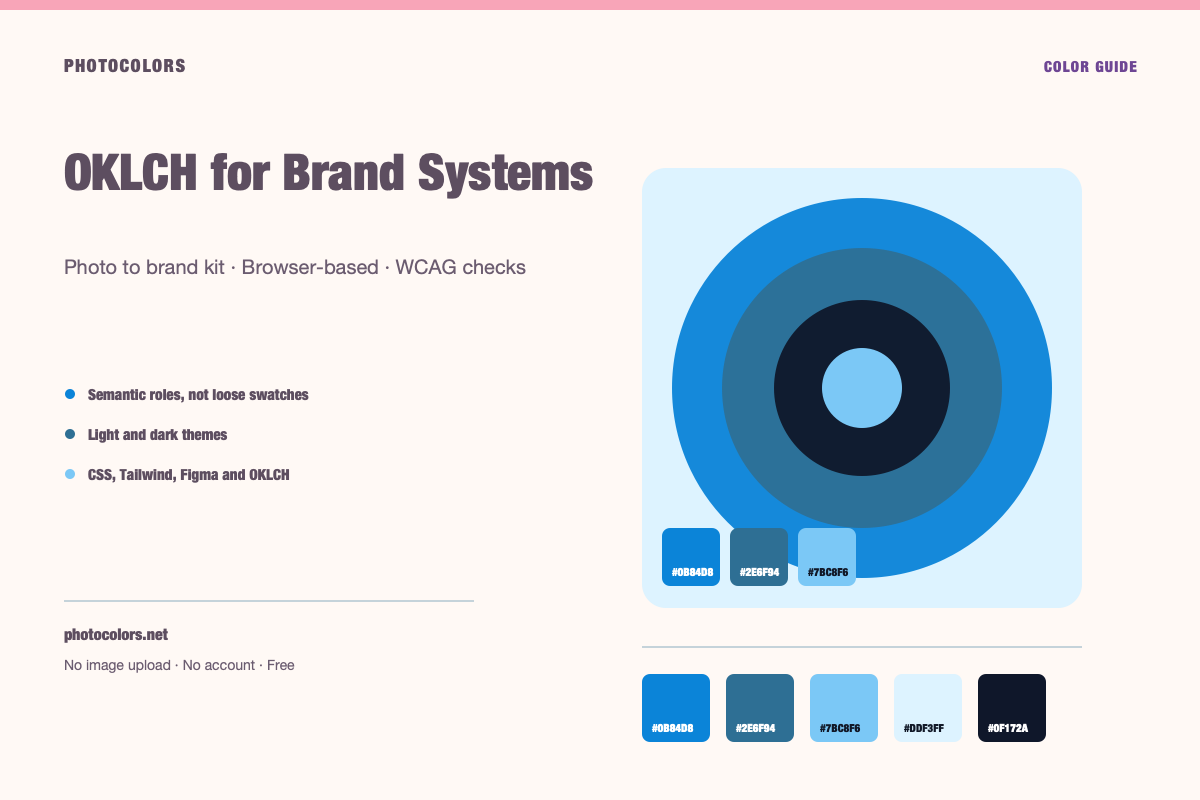
oklch(59.84% 0.1578 247.9)#0B84D8
Why HSL is not enough
HSL is a convenient way to describe a color. Hue, saturation and lightness are easy to understand, and a designer can predict what will happen when one value changes. But the lightness axis is not perceptually uniform.
A yellow and a blue with the same HSL lightness can look completely different in brightness. A ramp built by changing HSL lightness at equal intervals can feel uneven, especially when it crosses from warm to cool hues.
That is why a palette generated in HSL can look fine in a row of swatches and then feel wrong in a real interface. The steps are numerically even but visually uneven.
The three OKLCH axes
OKLCH uses L for perceived lightness, C for chroma and H for hue. L is usually expressed as a percentage, C as a number where zero is gray, and H as an angle in degrees.
The important difference is that L is designed to track perceived brightness. Two colors with the same L should look more similar in lightness than two colors with the same HSL lightness.
Chroma is not the same as HSL saturation. The maximum chroma depends on the hue and lightness, and some combinations are outside the sRGB gamut. A color can be valid OKLCH and still not display accurately on every screen.
Gamut is the catch
sRGB is the common gamut for web colors. OKLCH can describe colors outside sRGB, especially at high chroma in the cyan, green and magenta regions. If you use such a color in CSS, the browser may clip or map it to a displayable value.
That does not make OKLCH unsafe. It means you should check the rendered result, not just the numbers. If the color looks different from what you intended, reduce the chroma or choose a different lightness.
The generator outputs HEX values alongside OKLCH values. The HEX value is already inside sRGB, so it can serve as a fallback and as a sanity check.
Build a ramp with L, not HSL lightness
Start with the brand color in OKLCH. Keep the hue stable, reduce chroma slightly at the light and dark ends, and change L in even steps. That produces a ramp with a more consistent perceived brightness.
A practical ramp might use L values from about 97 down to 15, with the base color near the middle. The exact range depends on the hue and the desired contrast.
Check the steps in a real component, not just a strip. A 50 that looks like a subtle tint may be too close to white for a card, and a 900 that looks deep may be too close to black for text.
OKLCH makes the ramp more even. It does not choose the roles for you. You still need to decide which step is the button and which is the border.
OKLCH and dark mode
Dark mode is where perceptual ramps earn their keep. A dark interface needs several close neutral steps: background, surface, elevated surface, border and muted text. If those steps are uneven, the hierarchy collapses.
With OKLCH, you can choose L values that are evenly spaced in perceived lightness, then adjust chroma to keep the surfaces from feeling flat. A small amount of brand hue in the dark neutrals can make the interface feel intentional.
The primary accent often needs a higher L in dark mode to stay visible. Use the same hue and reduce chroma if the color starts to glow.
Shipping OKLCH with fallbacks
Modern browsers support `oklch()`, but not every visitor is on a modern browser. Declare a HEX or RGB fallback first, then the OKLCH value. Browsers that do not understand the second declaration keep the first.
If you use CSS variables, keep the fallback and the modern value in the same token layer. A component should not need to know which syntax the browser supports.
Test the fallback path deliberately. A palette that only looks right in OKLCH is not ready for production if a meaningful share of users sees the fallback.
- Declare the fallback first.
- Declare the OKLCH value second.
- Keep both in the same token.
- Test both paths in a real browser.
A practical OKLCH workflow
Convert the brand color from HEX to OKLCH. Build the ramp by changing L, then check the rendered colors and the WCAG pairs. If a step leaves the gamut, reduce chroma or adjust L.
Map the ramp to semantic roles. Use the same roles as any other palette: primary, surface, text, border and status. OKLCH changes the coordinate system, not the design decisions.
Document the L, C and H values alongside the HEX fallbacks. A future designer can then understand how the ramp was built and reproduce it.
It also helps to keep a small library of tested OKLCH ramps for the hues the brand actually uses. A blue ramp, a neutral ramp and a danger ramp cover most interface needs without forcing every new component to invent its own values.