Component themes
shadcn Theme Generator
Generate the CSS variables a shadcn/ui project actually consumes: background, foreground, card, primary, secondary, accent, muted, border, destructive and ring, in both themes.
A shadcn theme is a set of CSS custom properties for light and dark modes. Generate them from a real palette, check the foreground pairs, and paste the variables into your global stylesheet.
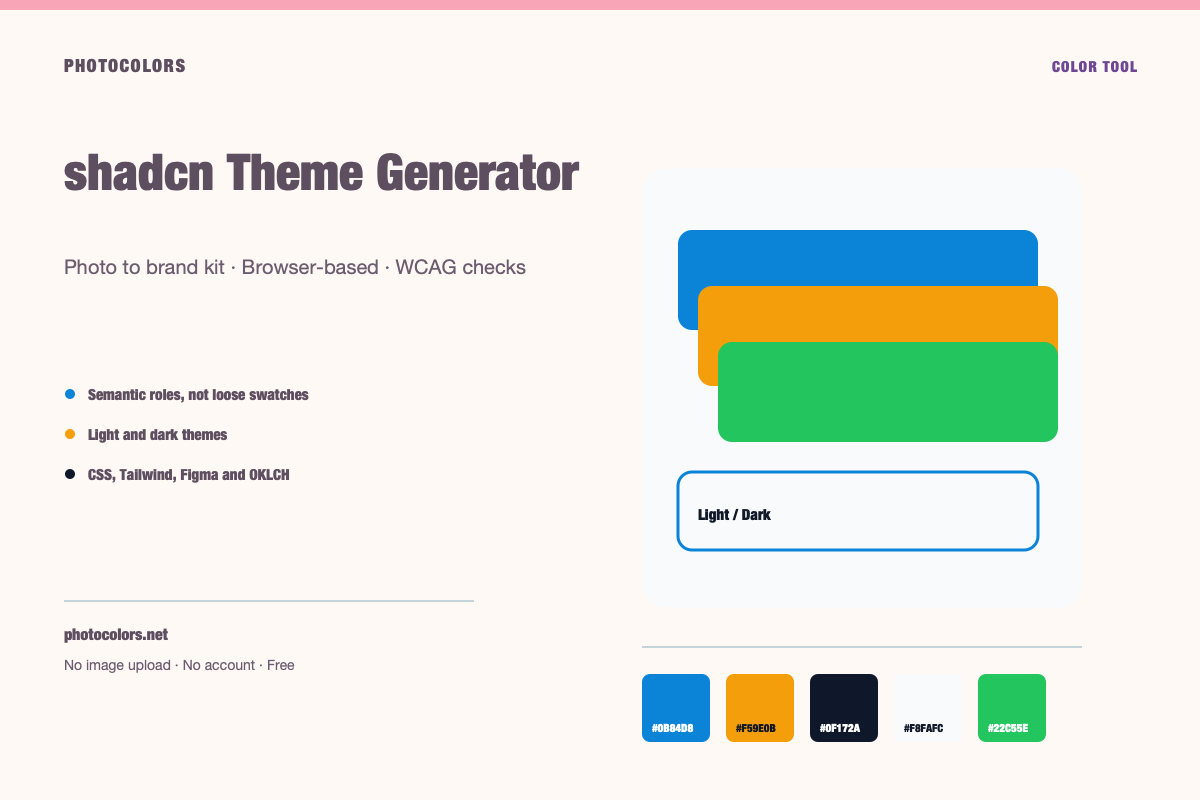
Live theme
Preview a complete light and dark theme
Choose a sample palette, switch themes, and copy the CSS variables a real component library consumes.
A theme that holds up in both modes.
Surfaces, borders and text pairs are generated from the same palette. Switch the theme and compare the hierarchy.
Semantic roles
Contrast checks
Copy the theme
:root {
  --color-primary: #0B84D8;
  --color-primary-foreground: #111827;
  --color-secondary: #E0F2FE;
  --color-accent: #F59E0B;
  --color-neutral: #64748B;
  --color-background: #F8FAFC;
  --color-surface: #FCFDFE;
  --color-text: #111827;
  --color-muted-text: #111827;
  --color-border: #CFD4DC;
  --color-success: #22C55E;
  --color-warning: #F59E0B;
  --color-danger: #DC2626;
}

[data-theme="dark"] {
  --color-background: #0F172A;
  --color-surface: #0A1123;
  --color-text: #FFFFFF;
  --color-muted-text: #A2ACB9;
  --color-border: #344055;
  --color-primary: #0B84D8;
  --color-primary-foreground: #111827;
}:root {
--background: #F8FAFC;
--foreground: #111827;
--card: #FCFDFE;
--card-foreground: #111827;
--primary: #0B84D8;
--primary-foreground: #111827;
--secondary: #E0F2FE;
--secondary-foreground: #111827;
--accent: #F59E0B;
--accent-foreground: #111827;
--muted: #FAFCFD;
--muted-foreground: #111827;
--border: #CFD4DC;
--destructive: #DC2626;
--destructive-foreground: #FFFFFF;
--ring: #0B84D8;
}
.dark {
--background: #0F172A;
--foreground: #FFFFFF;
--card: #0A1123;
--card-foreground: #FFFFFF;
--primary: #0B84D8;
--primary-foreground: #111827;
--secondary: #E0F2FE;
--secondary-foreground: #111827;
--accent: #F59E0B;
--accent-foreground: #111827;
--muted: #0D1427;
--muted-foreground: #A2ACB9;
--border: #344055;
--destructive: #DC2626;
--destructive-foreground: #FFFFFF;
--ring: #0B84D8;
}{
"color": {
"primary": {
"value": "#0B84D8",
"type": "color"
},
"secondary": {
"value": "#E0F2FE",
"type": "color"
},
"accent": {
"value": "#F59E0B",
"type": "color"
},
"neutral": {
"value": "#64748B",
"type": "color"
},
"background": {
"value": "#F8FAFC",
"type": "color"
},
"surface": {
"value": "#FCFDFE",
"type": "color"
},
"text": {
"value": "#111827",
"type": "color"
},
"mutedText": {
"value": "#111827",
"type": "color"
},
"success": {
"value": "#22C55E",
"type": "color"
},
"warning": {
"value": "#F59E0B",
"type": "color"
},
"danger": {
"value": "#DC2626",
"type": "color"
}
},
"dark": {
"background": {
"value": "#0F172A",
"type": "color"
},
"surface": {
"value": "#0A1123",
"type": "color"
},
"text": {
"value": "#FFFFFF",
"type": "color"
},
"mutedText": {
"value": "#A2ACB9",
"type": "color"
}
}
}{
"primary": "oklch(59.84% 0.1578 247.9)",
"secondary": "oklch(95.14% 0.0250 236.8)",
"accent": "oklch(76.86% 0.1647 70.1)",
"neutral": "oklch(55.44% 0.0407 257.4)",
"background": "oklch(98.42% 0.0034 247.9)",
"foreground": "oklch(21.01% 0.0318 264.7)",
"surface": "oklch(99.36% 0.0017 247.8)",
"success": "oklch(72.27% 0.1920 149.6)",
"warning": "oklch(76.86% 0.1647 70.1)",
"danger": "oklch(57.71% 0.2152 27.3)"
}
What a shadcn theme actually needs
shadcn/ui does not ship a fixed visual theme. It gives you components that read from CSS variables such as `--background`, `--foreground`, `--primary` and `--border`. You provide the values, usually in a global stylesheet.
That makes the theme layer small but important. Every component depends on the same variables, so a weak `--muted-foreground` or a `--border` that is too close to the card color will show up everywhere.
A useful generator should produce both `:root` and `.dark` values, plus the paired foreground variables for primary, secondary and accent. Those foregrounds are where most themes fail.
The variable map
The base layer is `--background` and `--foreground`. Cards use `--card` and `--card-foreground`. Inputs and panels use `--popover` and `--popover-foreground`. The brand action is `--primary` with `--primary-foreground`.
Supporting roles are `--secondary`, `--accent`, `--muted`, `--border`, `--input`, `--ring` and `--destructive`. Each one has a job. `--muted` is a quiet surface, not a text color. `--muted-foreground` is the text that sits on it.
If you only generate the primary color, the rest of the components will fall back to defaults and the theme will feel half-finished. Generate the whole map, then adjust the values that fail contrast.
| Variable | Used for | Check |
|---|---|---|
| --background / --foreground | Page base | Body text contrast |
| --card / --card-foreground | Cards and panels | Surface separation |
| --primary / --primary-foreground | Primary actions | Button text contrast |
| --muted / --muted-foreground | Quiet surfaces and labels | Label readability |
| --border / --input | Edges and fields | Visible but not harsh |
| --destructive | Errors and destructive actions | Distinct from brand color |
Light and dark are separate contracts
The `.dark` block is not a copy of `:root` with the background flipped. Every foreground pair needs to be re-evaluated. A primary button that works on a white page may glow or lose contrast on a dark card.
The muted surface is another common failure. In light mode, `--muted` is often a very light neutral. In dark mode, it needs to be a lighter step above the background, not the same value.
Generate both blocks together and compare them. A theme is ready when the same component looks intentional in both modes.
Copy the theme into your project
Paste the `:root` and `.dark` blocks into the stylesheet that your shadcn setup already imports, usually `globals.css`. Keep the variable names exactly as the components expect them.
If your project uses Tailwind v4, the theme variables can also be exposed through `@theme inline` so utilities such as `bg-primary` and `text-foreground` resolve to the same values.
After pasting, inspect a button, a card, an input, a dialog and a destructive action. Those five components cover most of the variable map and will expose mistakes quickly.
Common shadcn theme mistakes
The first is using the brand color directly as `--primary` without checking `--primary-foreground`. The second is making `--border` too close to `--card`, which makes every component look borderless.
The third is forgetting the focus ring. `--ring` should be visible against both the background and the component surface. The fourth is treating `--destructive` as a decorative red instead of a semantic state.
Finally, do not ship a theme without testing a real form. Inputs, placeholders, helper text and error messages use several variables at once, and that is where weak palettes show up.
FAQ
shadcn Theme Generator FAQ
What variables does a shadcn theme need?
At minimum: background, foreground, card, card-foreground, popover, popover-foreground, primary, primary-foreground, secondary, secondary-foreground, muted, muted-foreground, accent, accent-foreground, border, input, ring and destructive.
Can I generate a shadcn theme from a photo?
Yes. Upload a photo or logo, review the extracted palette, and use the generated light and dark theme variables as a starting point.
Does this work with Tailwind v4?
The CSS variables can be used with Tailwind v4. Map them through `@theme inline` if you want utilities such as `bg-primary` to resolve to the same values.
Why do my shadcn components look flat?
The border and surface colors may be too close, or the muted surface may not be distinguishable from the background. Check those pairs before changing the components.
Is the generated theme accessible?
The generator checks key foreground pairs, but accessibility also depends on font size, weight, component states and the final implementation. Review the full interface before shipping.
Keep going
Related tools and guides
Dark Mode Color Palette Generator
A dark mode palette needs a dark background, a slightly lighter surface, readable body text, a muted text color and an adjusted primary accent. Check each pair against WCAG, because a color that passes on white may fail on a dark surface.
Tailwind Color Palette Generator
A Tailwind color scale is a family of steps from 50 (lightest) to 950 (darkest). Generate the ramp from a base color, then check that the text and surface steps you actually use pass contrast.
Figma Color Tokens Generator
A Figma color token is a named color value, usually with a light and dark mode. Generate semantic names such as primary, surface and muted-text, then import the JSON into Figma variables or a token plugin.
Build a shadcn Theme From a Photo
shadcn/ui gives you the components. You still have to supply the color contract. Here is how to turn a real image into a theme that holds up in light and dark mode.
Tailwind Color Tokens That Stay Maintainable
A raw 50-950 ramp is useful. A semantic layer is what keeps a Tailwind codebase from turning into a pile of hard-coded brand steps.