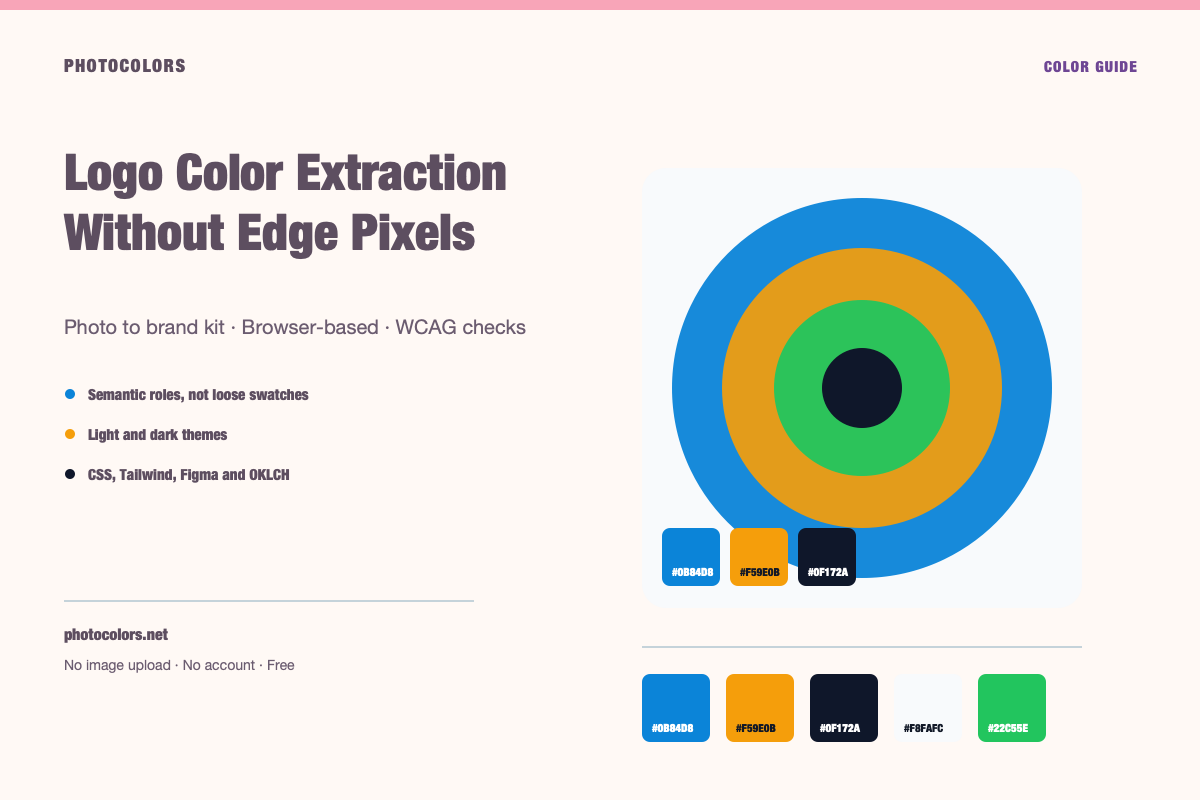
What this guide covers
- Use a high-resolution transparent PNG or the original vector export.
- Solid color regions are evidence; edge pixels are usually noise.
- Pick the primary color by asking what survives at small sizes.
- A one-color logo is enough to anchor a full system.
- Document the final colors separately from the extracted candidates.
Live tool
Try the workflow
Everything runs in your browser. The image is never uploaded, and no account is required.
Your palette
sample-palette
Developer exports
:root {
  --color-primary: #0B84D8;
  --color-primary-foreground: #111827;
  --color-secondary: #E0F2FE;
  --color-accent: #F59E0B;
  --color-neutral: #64748B;
  --color-background: #F8FAFC;
  --color-surface: #FCFDFE;
  --color-text: #111827;
  --color-muted-text: #111827;
  --color-border: #CFD4DC;
  --color-success: #22C55E;
  --color-warning: #F59E0B;
  --color-danger: #DC2626;
}

[data-theme="dark"] {
  --color-background: #0F172A;
  --color-surface: #0A1123;
  --color-text: #FFFFFF;
  --color-muted-text: #A2ACB9;
  --color-border: #344055;
  --color-primary: #0B84D8;
  --color-primary-foreground: #111827;
}export const photocolors = {
colors: {
primary: {
DEFAULT: "#0B84D8",
foreground: "#111827"
},
secondary: "#E0F2FE",
accent: "#F59E0B",
neutral: "#64748B",
background: "var(--color-background)",
surface: "var(--color-surface)",
text: "var(--color-text)",
muted: "var(--color-muted-text)",
border: "var(--color-border)",
success: "#22C55E",
warning: "#F59E0B",
danger: "#DC2626"
}
};:root {
--background: #F8FAFC;
--foreground: #111827;
--card: #FCFDFE;
--card-foreground: #111827;
--primary: #0B84D8;
--primary-foreground: #111827;
--secondary: #E0F2FE;
--secondary-foreground: #111827;
--accent: #F59E0B;
--accent-foreground: #111827;
--muted: #FAFCFD;
--muted-foreground: #111827;
--border: #CFD4DC;
--destructive: #DC2626;
--destructive-foreground: #FFFFFF;
--ring: #0B84D8;
}
.dark {
--background: #0F172A;
--foreground: #FFFFFF;
--card: #0A1123;
--card-foreground: #FFFFFF;
--primary: #0B84D8;
--primary-foreground: #111827;
--secondary: #E0F2FE;
--secondary-foreground: #111827;
--accent: #F59E0B;
--accent-foreground: #111827;
--muted: #0D1427;
--muted-foreground: #A2ACB9;
--border: #344055;
--destructive: #DC2626;
--destructive-foreground: #FFFFFF;
--ring: #0B84D8;
}{
"color": {
"primary": {
"value": "#0B84D8",
"type": "color"
},
"secondary": {
"value": "#E0F2FE",
"type": "color"
},
"accent": {
"value": "#F59E0B",
"type": "color"
},
"neutral": {
"value": "#64748B",
"type": "color"
},
"background": {
"value": "#F8FAFC",
"type": "color"
},
"surface": {
"value": "#FCFDFE",
"type": "color"
},
"text": {
"value": "#111827",
"type": "color"
},
"mutedText": {
"value": "#111827",
"type": "color"
},
"success": {
"value": "#22C55E",
"type": "color"
},
"warning": {
"value": "#F59E0B",
"type": "color"
},
"danger": {
"value": "#DC2626",
"type": "color"
}
},
"dark": {
"background": {
"value": "#0F172A",
"type": "color"
},
"surface": {
"value": "#0A1123",
"type": "color"
},
"text": {
"value": "#FFFFFF",
"type": "color"
},
"mutedText": {
"value": "#A2ACB9",
"type": "color"
}
}
}{
"primary": "oklch(59.84% 0.1578 247.9)",
"secondary": "oklch(95.14% 0.0250 236.8)",
"accent": "oklch(76.86% 0.1647 70.1)",
"neutral": "oklch(55.44% 0.0407 257.4)",
"background": "oklch(98.42% 0.0034 247.9)",
"foreground": "oklch(21.01% 0.0318 264.7)",
"surface": "oklch(99.36% 0.0017 247.8)",
"success": "oklch(72.27% 0.1920 149.6)",
"warning": "oklch(76.86% 0.1647 70.1)",
"danger": "oklch(57.71% 0.2152 27.3)"
}Why logo extraction goes wrong
A logo is designed to look crisp at small sizes, which means the edges are full of blended pixels. Anti-aliasing mixes the mark with the background, and JPEG compression adds noise around every boundary. A color extractor sees all of it.
The result is a palette that includes the real brand colors plus a cloud of near-colors: a slightly lighter blue, a slightly warmer white, a gray that only exists at the edge of a letter. If you pick the wrong one, the brand color will be subtly off forever.
The fix is not a smarter algorithm. It is a cleaner source and a deliberate review. Give the extractor solid pixels to work with, then separate the evidence from the artifacts.
Get the cleanest source file you can
The best source is the original vector file, exported to a high-resolution PNG with a transparent background. Vector art has exact color values, and a transparent PNG avoids blending the mark with a page color.
If you only have a JPEG, look for the largest version available. A 2,000-pixel logo gives the sampler far more solid pixels than a 200-pixel favicon. Crop tightly around the mark and avoid including the surrounding page.
If the logo only exists in a screenshot, recreate the solid areas or ask the brand owner for the original. A screenshot is a last resort, not a source of truth.
- Best: original vector or high-resolution transparent PNG.
- Good: large PNG with a clean background.
- Acceptable: high-resolution JPEG with minimal compression.
- Last resort: a tightly cropped screenshot.
Separate the mark from the background
A logo on a white background will often produce white as a dominant color. That is technically correct but not useful. If the white is the page background, it is not part of the brand mark.
Use a transparent export when possible. If the logo is on a solid background, crop to the mark and mentally remove the background color from the candidate list. The extractor cannot know which pixels are intentional.
The same applies to shadows and glows. A drop shadow may be part of the brand presentation, but it is rarely a brand color. Keep it in the artwork, not in the palette.
Identify the solid colors
Look for the colors that fill a meaningful area of the mark. Those are the real candidates. A color that appears only in a one-pixel outline is probably an edge artifact.
If the logo has a gradient, the extractor will return several steps from the gradient. Decide whether the gradient is part of the brand or a stylistic treatment. If it is part of the brand, keep two or three anchor stops rather than every intermediate value.
For a two-color logo, the palette should have two colors. If the extractor returns seven, the extra five are telling you something about the file, not the brand.
The number of colors in the extracted palette is a property of the image, not a requirement for the brand system.
Decide which color leads
The primary brand color is the one people should remember. It is often the most saturated color in the mark, but not always. A black wordmark with a small red dot may be a black brand with a red accent, or a red brand with a black wordmark.
Ask what survives at 24 pixels. If the red dot disappears, it is probably an accent. If the black wordmark is the only recognizable element, black may be the true anchor.
Then test the candidate as a button background with white text and with dark text. If neither passes 4.5:1, the color can still be the brand color, but it should not be the default action color without a companion.
Build a system around a one-color logo
A one-color logo is a gift. It gives the system a clear anchor and leaves room for a neutral family and functional colors. Start with the logo color as the primary, then derive a neutral scale from its hue.
Do not add decorative colors just to fill a palette. A confident system with one brand color, a well-built neutral ramp and two functional accents will usually look better than five unrelated colors.
If the logo is pure black, the brand color may be black. Use it for text and primary actions, and introduce a single accent only where it earns its place. Black is a color, not the absence of a brand.
Check the output before you ship it
Compare the extracted HEX values with the colors you see in a design tool. Zoom into the logo and sample a solid area. If the extracted value is several steps off, the source file or the crop is the problem.
Check the palette on both light and dark surfaces. A brand color that looks right on white may need a lighter variant on a dark background. That is a theme decision, not a failure of the extraction.
Finally, document the chosen values and the source file. A future designer should be able to reproduce the decision without guessing which of the ten extracted blues was the real one.