Brand accuracy
Logo Color Extractor
Upload a logo and pull out its real colors, then turn those colors into a system that works on buttons, backgrounds and dark mode.
A logo color extractor reads the pixels in a logo file and lists its dominant colors. Use a transparent PNG, ignore anti-aliased edge colors, and treat the strongest brand color as a starting point rather than a finished interface palette.
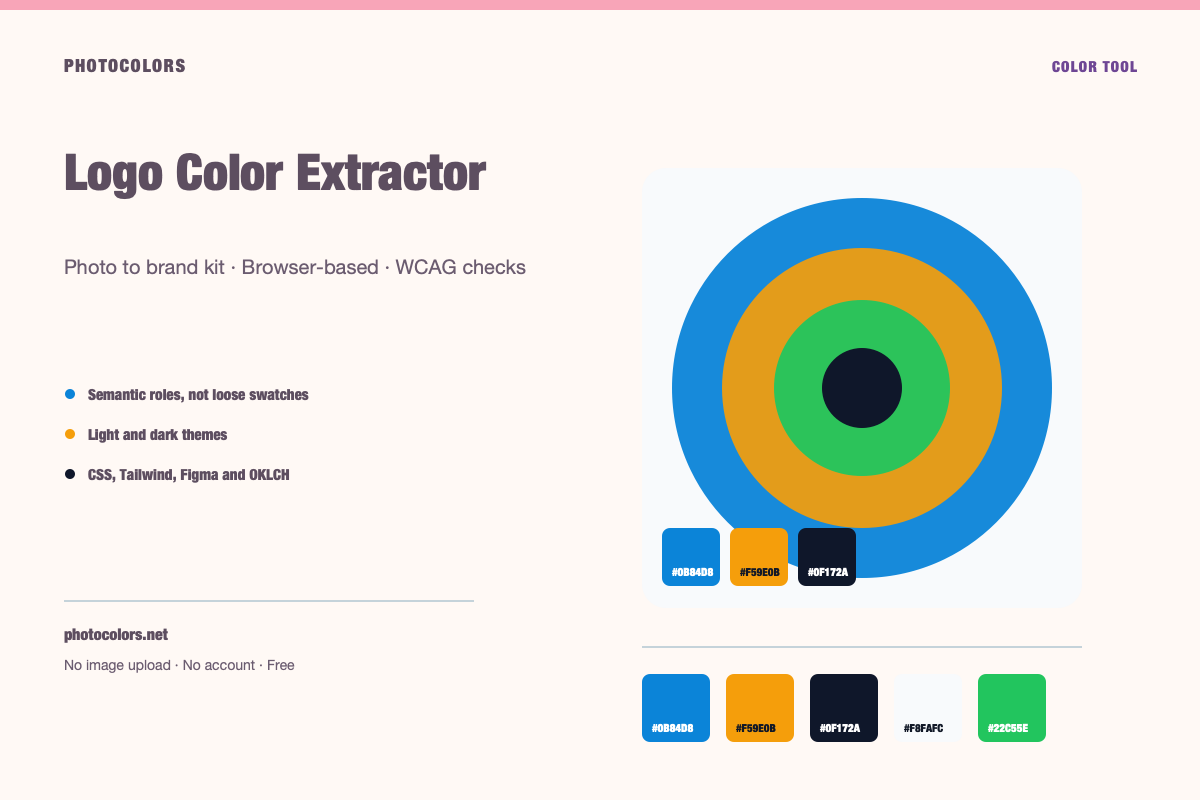
Live tool
Try it with your image
Everything runs in your browser. The image is never uploaded, and no account is required.
Your palette
sample-palette
Developer exports
:root {
  --color-primary: #0B84D8;
  --color-primary-foreground: #111827;
  --color-secondary: #E0F2FE;
  --color-accent: #F59E0B;
  --color-neutral: #64748B;
  --color-background: #F8FAFC;
  --color-surface: #FCFDFE;
  --color-text: #111827;
  --color-muted-text: #111827;
  --color-border: #CFD4DC;
  --color-success: #22C55E;
  --color-warning: #F59E0B;
  --color-danger: #DC2626;
}

[data-theme="dark"] {
  --color-background: #0F172A;
  --color-surface: #0A1123;
  --color-text: #FFFFFF;
  --color-muted-text: #A2ACB9;
  --color-border: #344055;
  --color-primary: #0B84D8;
  --color-primary-foreground: #111827;
}export const photocolors = {
colors: {
primary: {
DEFAULT: "#0B84D8",
foreground: "#111827"
},
secondary: "#E0F2FE",
accent: "#F59E0B",
neutral: "#64748B",
background: "var(--color-background)",
surface: "var(--color-surface)",
text: "var(--color-text)",
muted: "var(--color-muted-text)",
border: "var(--color-border)",
success: "#22C55E",
warning: "#F59E0B",
danger: "#DC2626"
}
};:root {
--background: #F8FAFC;
--foreground: #111827;
--card: #FCFDFE;
--card-foreground: #111827;
--primary: #0B84D8;
--primary-foreground: #111827;
--secondary: #E0F2FE;
--secondary-foreground: #111827;
--accent: #F59E0B;
--accent-foreground: #111827;
--muted: #FAFCFD;
--muted-foreground: #111827;
--border: #CFD4DC;
--destructive: #DC2626;
--destructive-foreground: #FFFFFF;
--ring: #0B84D8;
}
.dark {
--background: #0F172A;
--foreground: #FFFFFF;
--card: #0A1123;
--card-foreground: #FFFFFF;
--primary: #0B84D8;
--primary-foreground: #111827;
--secondary: #E0F2FE;
--secondary-foreground: #111827;
--accent: #F59E0B;
--accent-foreground: #111827;
--muted: #0D1427;
--muted-foreground: #A2ACB9;
--border: #344055;
--destructive: #DC2626;
--destructive-foreground: #FFFFFF;
--ring: #0B84D8;
}{
"color": {
"primary": {
"value": "#0B84D8",
"type": "color"
},
"secondary": {
"value": "#E0F2FE",
"type": "color"
},
"accent": {
"value": "#F59E0B",
"type": "color"
},
"neutral": {
"value": "#64748B",
"type": "color"
},
"background": {
"value": "#F8FAFC",
"type": "color"
},
"surface": {
"value": "#FCFDFE",
"type": "color"
},
"text": {
"value": "#111827",
"type": "color"
},
"mutedText": {
"value": "#111827",
"type": "color"
},
"success": {
"value": "#22C55E",
"type": "color"
},
"warning": {
"value": "#F59E0B",
"type": "color"
},
"danger": {
"value": "#DC2626",
"type": "color"
}
},
"dark": {
"background": {
"value": "#0F172A",
"type": "color"
},
"surface": {
"value": "#0A1123",
"type": "color"
},
"text": {
"value": "#FFFFFF",
"type": "color"
},
"mutedText": {
"value": "#A2ACB9",
"type": "color"
}
}
}{
"primary": "oklch(59.84% 0.1578 247.9)",
"secondary": "oklch(95.14% 0.0250 236.8)",
"accent": "oklch(76.86% 0.1647 70.1)",
"neutral": "oklch(55.44% 0.0407 257.4)",
"background": "oklch(98.42% 0.0034 247.9)",
"foreground": "oklch(21.01% 0.0318 264.7)",
"surface": "oklch(99.36% 0.0017 247.8)",
"success": "oklch(72.27% 0.1920 149.6)",
"warning": "oklch(76.86% 0.1647 70.1)",
"danger": "oklch(57.71% 0.2152 27.3)"
}Why logo color extraction is harder than it looks
A logo is usually a small number of deliberate colors surrounded by a large number of accidental ones. Anti-aliasing blends the mark into the background, compression adds noise, and gradients introduce dozens of intermediate values. A naive extractor can return a palette that looks nothing like the brand.
The file format matters. A transparent PNG gives the sampler clean color regions. A JPEG adds compression artifacts around every edge. A screenshot may include a background color that was never part of the brand.
The most reliable approach is to use the original vector or a high-resolution transparent export, then sample the solid areas rather than the edges. If you only have a screenshot, crop tightly around the mark and avoid including the surrounding page.
Transparent PNGs, anti-aliasing and edge pixels
Transparent pixels are ignored by the sampler, which is why a transparent PNG usually produces a cleaner result than a white-background JPEG. But partially transparent edge pixels can still blend the mark with whatever color sits behind it in the canvas.
If the extracted palette contains a color that only appears in a thin outline, it is probably an edge artifact. Compare the swatch with the solid center of the mark. If it does not appear there, leave it out.
For a wordmark with thin strokes, the edge pixels can outnumber the solid pixels. In that case, a larger export is more useful than a clever algorithm. Give the sampler more solid pixels to work with.
How to pick the primary brand color
The primary color is the one you want people to associate with the brand after they close the tab. It is usually the most saturated color in the mark, but not always. A black wordmark with a small red accent may be a black-and-red brand, or it may be a black brand with a red detail.
Ask what the logo looks like at small sizes. If the accent disappears at 24 pixels, it is probably not strong enough to carry the primary role. If the black wordmark is the only thing that survives, black may be the real brand color.
Once you choose a primary, test it as a button background with white text and with dark text. If neither passes 4.5:1, the color can still be a brand color, but it should not be the default action color without a darker or lighter companion.
From logo colors to interface roles
A logo gives you evidence, not a full system. The next step is to decide which color becomes primary, which becomes secondary, which becomes accent, and which neutral family supports the interface.
A practical mapping is to keep the strongest brand color as primary, use a quieter companion as secondary, reserve the brightest color for accent and badges, and build the neutral scale from the logo's darkest and lightest values.
Then check the pairs. The primary button needs readable text. The muted label needs to stay legible on the page background. The border needs enough separation from the card surface. These are the checks that turn a logo palette into a product palette.
- Primary: the color people should remember.
- Secondary: a supporting color for sections and secondary actions.
- Accent: a small-area color for highlights and badges.
- Neutral: the background, surface, border and text family.
What to do when the logo has only one color
A one-color logo is not a problem. It means the brand has a strong anchor and the rest of the system can be built around it. Start with the logo color as primary, then derive a neutral scale and a small set of status colors.
Do not invent five decorative colors just to fill a palette strip. A restrained system with one strong brand color, a well-built neutral ramp and two functional accents will usually look more confident than a rainbow.
If the logo is pure black, the brand color may be black itself. In that case, use the logo color as the text and action anchor, and introduce a single accent only where it earns its place.
FAQ
Logo Color Extractor FAQ
What is the best logo file for color extraction?
A high-resolution transparent PNG or the original vector export. Avoid screenshots and JPEGs with compression artifacts around the edges.
Why do I see colors that are not in my logo?
Anti-aliasing blends the mark with the background, and compression adds intermediate colors. Those edge colors are usually artifacts. Compare them with the solid center of the mark before using them.
Can I extract colors from a black-and-white logo?
Yes. You will get a neutral palette. Treat the darkest value as the brand anchor and build a neutral scale around it. Add an accent only if the brand actually uses one.
Does the extractor work with SVG logos?
The uploader accepts raster formats such as PNG, JPG, WebP, GIF and BMP. Export the SVG to a high-resolution PNG first if your browser cannot rasterize it directly.
Can I use the extracted logo colors commercially?
You are responsible for having the right to use the logo and the colors. PhotoColors provides a color aid, not legal clearance or trademark advice.
Keep going
Related tools and guides
Image to Color Palette Generator
PhotoColors extracts dominant colors from an image in your browser, then maps them into primary, secondary, accent and neutral roles. The image is never uploaded, and every palette includes WCAG contrast checks and developer exports.
Brand Color Picker
Use a brand color picker to choose an anchor color, then assign it to roles and test it against real text and surface pairs. A single HEX value is not a brand system; the roles and contrast checks are what make it usable.
Figma Color Tokens Generator
A Figma color token is a named color value, usually with a light and dark mode. Generate semantic names such as primary, surface and muted-text, then import the JSON into Figma variables or a token plugin.
Extracting Brand Colors From a Logo Without Chasing Edge Pixels
A logo looks like the simplest possible color source. In practice, anti-aliasing, compression and backgrounds can turn a two-color mark into a ten-color mess. Here is how to get the real palette.
How to Build an Accessible Brand Palette
Accessibility is not a coat of paint applied at the end. It is a set of constraints that make the palette stronger from the first decision.