Design tokens
Tailwind Color Palette Generator
Turn one brand color into an 11-step ramp you can use across backgrounds, borders, text and states. Preview 50 through 950 and copy the values into Tailwind or CSS.
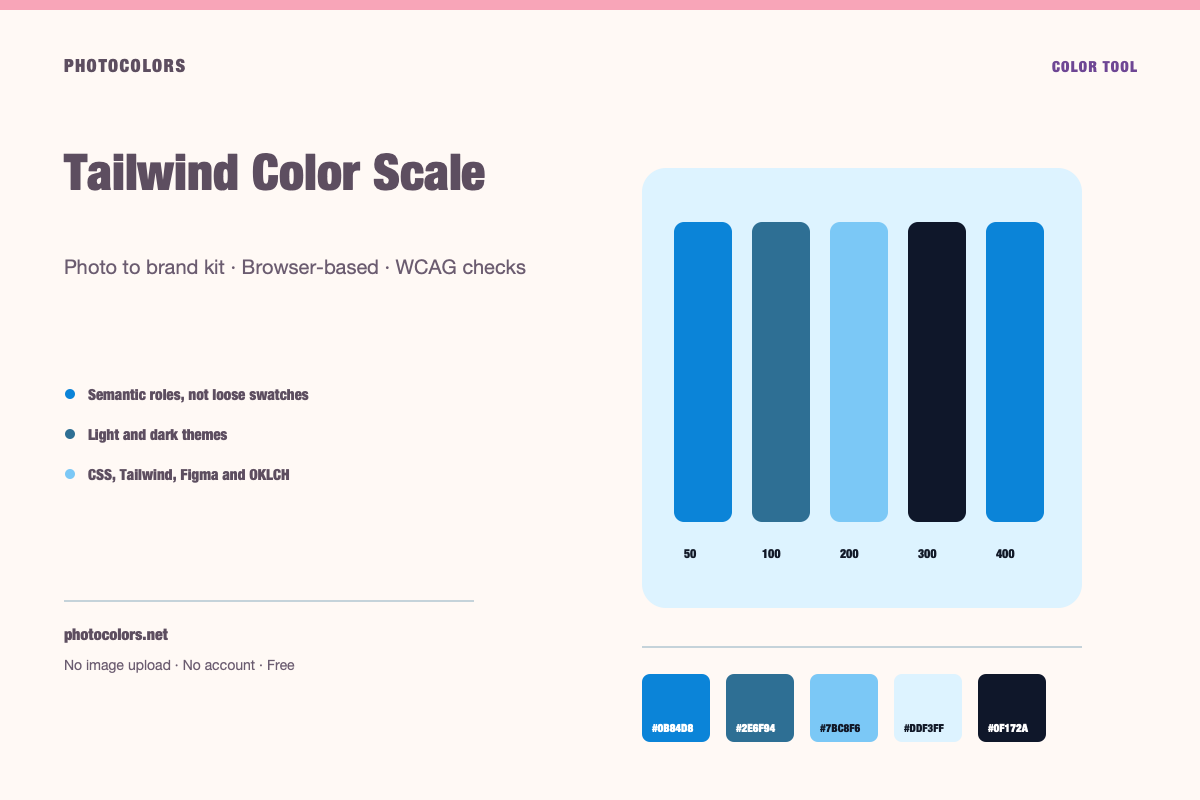
A Tailwind color scale is a family of steps from 50 (lightest) to 950 (darkest). Generate the ramp from a base color, then check that the text and surface steps you actually use pass contrast.
Live generator
Generate an 11-step color scale
Change the base color and copy the full 50-950 ramp as CSS variables or Tailwind colors.
Use the light steps for tinted backgrounds and the mid steps for borders and secondary actions.
Use a step that supports readable button text. This one uses #FFFFFF text.
Use the dark steps for headings and body copy, then measure the final pair.
Copy the scale
:root {
  --color-brand-50: #F8FAFB;
  --color-brand-100: #E9F1F6;
  --color-brand-200: #CEE4F3;
  --color-brand-300: #A6D3F2;
  --color-brand-400: #72BEF3;
  --color-brand-500: #0B84D8;
  --color-brand-600: #0C69A9;
  --color-brand-700: #0D4E7B;
  --color-brand-800: #0C334E;
  --color-brand-900: #081823;
  --color-brand-950: #060E13;
}export const brand = {
colors: {
50: "#F8FAFB",
100: "#E9F1F6",
200: "#CEE4F3",
300: "#A6D3F2",
400: "#72BEF3",
500: "#0B84D8",
600: "#0C69A9",
700: "#0D4E7B",
800: "#0C334E",
900: "#081823",
950: "#060E13",
},
};
Why 50-950 exists
A single brand color is not enough for a component library. A button needs a resting color, a hover color, an active color and a disabled color. A card needs a surface that is lighter than the page but darker than white. An alert needs a background, a border and text.
The 50-950 scale gives the design system a shared vocabulary for those steps. Low numbers are light, high numbers are dark, and the middle is usually close to the base color. The exact values are less important than the relationships between them.
Tailwind's default palettes use this convention, which is why a generated ramp is easy to drop into a Tailwind project. It also makes the system portable to CSS variables and other token formats.
What makes a usable Tailwind scale
A usable scale has visible steps. If 400 and 500 are nearly identical, the scale is not giving the designer a real choice. It also has a believable light and dark end: 50 should work as a tinted background, and 950 should work as a deep text or border color.
The base color should sit near the middle, but not necessarily at exactly 500. A very light brand yellow may sit closer to 300, while a deep navy may sit closer to 800. The ramp should preserve the brand's hue while adjusting lightness and, at the extremes, saturation.
Most importantly, the scale should be tested in the roles it will actually play. A 100 that looks beautiful as a background may be unreadable as text. A 600 that works as a button may be too dark for a border.
Generate a scale from one color
Enter a HEX value. The generator converts it to HSL, keeps the hue, and builds a lightness ramp around the base color. Saturation is reduced slightly at the light and dark extremes so the ends do not become neon or muddy.
The result is a starting point, not a law. A designer may want a warmer 50 or a cooler 950. The important thing is that the steps are evenly spaced enough to be useful and that the base color remains recognizable.
If the source is an image, extract the palette first and choose the color that should become the ramp. You can generate a ramp for the primary, the accent and the neutral family.
Use the scale in Tailwind v4
In Tailwind v4, theme values can be defined in CSS with `@theme`. A generated ramp can be exposed as `--color-brand-50` through `--color-brand-950`, which then produces utilities such as `bg-brand-500` and `text-brand-700`.
If you are still on a JavaScript config, the same values can be placed in `theme.extend.colors`. The naming is the same; only the configuration format changes.
Keep the semantic layer separate. Instead of using `bg-brand-500` everywhere, define `--color-primary: var(--color-brand-600)` and use `bg-primary`. That way a future brand adjustment only changes the mapping, not every component.
- Raw ramp: brand-50 through brand-950.
- Semantic mapping: primary, surface, border, muted.
- Components use semantic tokens, not raw steps.
- Check contrast at the semantic layer.
Contrast is still your job
A ramp does not guarantee accessibility. The fact that 600 is darker than 500 does not mean that white text on 600 passes 4.5:1. You still need to measure the pairs you use.
The most common failure is a mid-tone brand color used as a button background with white text. The color may look strong, but the ratio may be below 4.5:1. A darker step, or dark text, may be the accessible choice.
PhotoColors checks the generated primary pair and the text pairs in the brand kit. Use those measurements as a guardrail, then test the actual components.
FAQ
Tailwind Color Palette Generator FAQ
What do the numbers 50 to 950 mean in Tailwind?
They are steps in a color family. 50 is the lightest, 950 is the darkest, and the middle steps are used for actions, borders and text. The numbers are a convention, not a contrast guarantee.
Can I generate a Tailwind palette from an image?
Yes. Extract the palette from an image, choose the color you want as the base, and generate an 11-step ramp from it.
Should the base color be exactly 500?
Not necessarily. The base color should sit where its lightness naturally belongs. A very light color may sit closer to 300, and a very dark color may sit closer to 800.
Does the generator work with Tailwind v3?
Yes. The values can be copied into a JavaScript theme config. Tailwind v4 uses CSS-first `@theme` values, but the color steps are the same idea.
How do I make sure the scale is accessible?
Check the specific foreground and background pairs you use in components. A scale alone cannot guarantee contrast; the pairing and text size determine the result.
Keep going
Related tools and guides
Color Shades Generator
A color shades generator creates lighter tints and darker shades of one base color. Use the ramp for surfaces, borders and states, then check the text pairs you actually ship.
shadcn Theme Generator
A shadcn theme is a set of CSS custom properties for light and dark modes. Generate them from a real palette, check the foreground pairs, and paste the variables into your global stylesheet.
WCAG Contrast Checker
WCAG AA requires 4.5:1 for normal text and 3:1 for large text. AAA requires 7:1 and 4.5:1. Enter both colors to see whether a pair passes, and switch the foreground to black or white if it does not.
Tailwind Color Tokens That Stay Maintainable
A raw 50-950 ramp is useful. A semantic layer is what keeps a Tailwind codebase from turning into a pile of hard-coded brand steps.
How to Build an Accessible Brand Palette
Accessibility is not a coat of paint applied at the end. It is a set of constraints that make the palette stronger from the first decision.