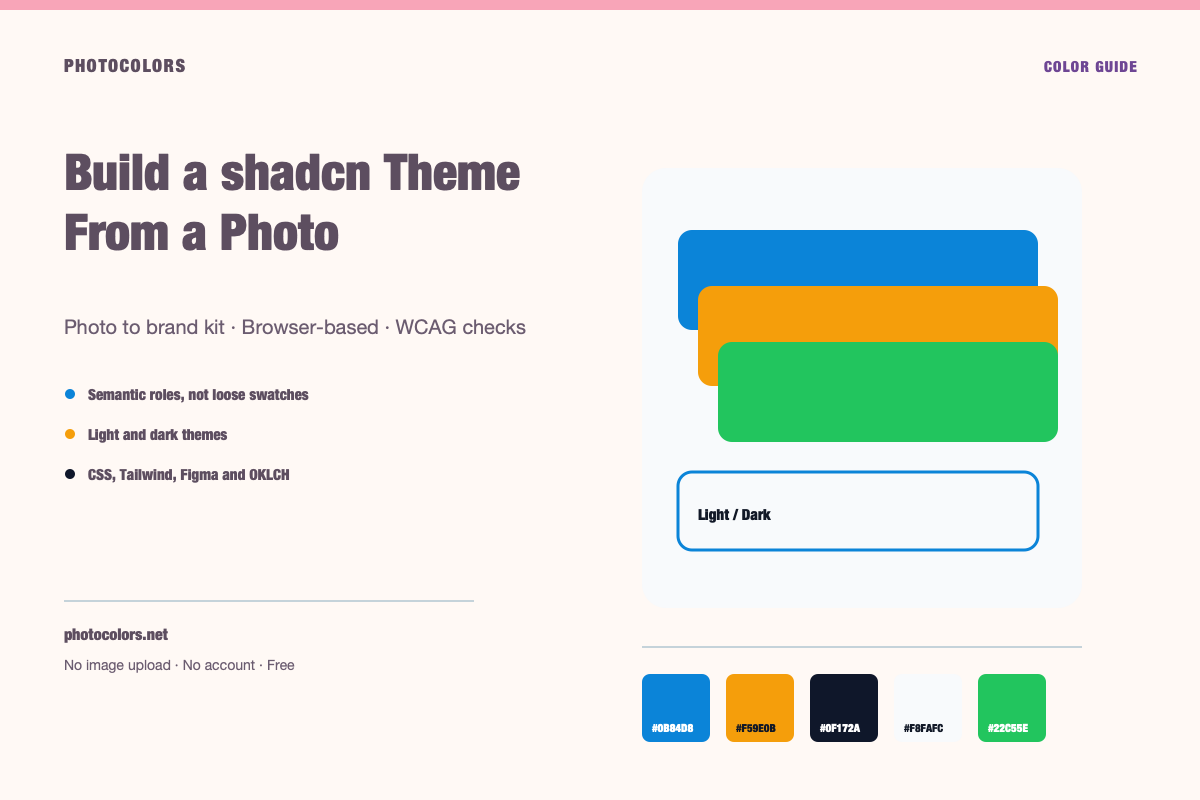
What this guide covers
- Extract a real palette, then map it to the full shadcn variable set.
- Generate both :root and .dark blocks.
- Check primary-foreground, muted-foreground and border first.
- Paste the variables into the stylesheet the components already import.
- Verify buttons, cards, forms, dialogs and destructive actions.
Live theme
Preview a complete light and dark theme
Choose a sample palette, switch themes, and copy the CSS variables a real component library consumes.
A theme that holds up in both modes.
Surfaces, borders and text pairs are generated from the same palette. Switch the theme and compare the hierarchy.
Semantic roles
Contrast checks
Copy the theme
:root {
  --color-primary: #0B84D8;
  --color-primary-foreground: #111827;
  --color-secondary: #E0F2FE;
  --color-accent: #F59E0B;
  --color-neutral: #64748B;
  --color-background: #F8FAFC;
  --color-surface: #FCFDFE;
  --color-text: #111827;
  --color-muted-text: #111827;
  --color-border: #CFD4DC;
  --color-success: #22C55E;
  --color-warning: #F59E0B;
  --color-danger: #DC2626;
}

[data-theme="dark"] {
  --color-background: #0F172A;
  --color-surface: #0A1123;
  --color-text: #FFFFFF;
  --color-muted-text: #A2ACB9;
  --color-border: #344055;
  --color-primary: #0B84D8;
  --color-primary-foreground: #111827;
}:root {
--background: #F8FAFC;
--foreground: #111827;
--card: #FCFDFE;
--card-foreground: #111827;
--primary: #0B84D8;
--primary-foreground: #111827;
--secondary: #E0F2FE;
--secondary-foreground: #111827;
--accent: #F59E0B;
--accent-foreground: #111827;
--muted: #FAFCFD;
--muted-foreground: #111827;
--border: #CFD4DC;
--destructive: #DC2626;
--destructive-foreground: #FFFFFF;
--ring: #0B84D8;
}
.dark {
--background: #0F172A;
--foreground: #FFFFFF;
--card: #0A1123;
--card-foreground: #FFFFFF;
--primary: #0B84D8;
--primary-foreground: #111827;
--secondary: #E0F2FE;
--secondary-foreground: #111827;
--accent: #F59E0B;
--accent-foreground: #111827;
--muted: #0D1427;
--muted-foreground: #A2ACB9;
--border: #344055;
--destructive: #DC2626;
--destructive-foreground: #FFFFFF;
--ring: #0B84D8;
}{
"color": {
"primary": {
"value": "#0B84D8",
"type": "color"
},
"secondary": {
"value": "#E0F2FE",
"type": "color"
},
"accent": {
"value": "#F59E0B",
"type": "color"
},
"neutral": {
"value": "#64748B",
"type": "color"
},
"background": {
"value": "#F8FAFC",
"type": "color"
},
"surface": {
"value": "#FCFDFE",
"type": "color"
},
"text": {
"value": "#111827",
"type": "color"
},
"mutedText": {
"value": "#111827",
"type": "color"
},
"success": {
"value": "#22C55E",
"type": "color"
},
"warning": {
"value": "#F59E0B",
"type": "color"
},
"danger": {
"value": "#DC2626",
"type": "color"
}
},
"dark": {
"background": {
"value": "#0F172A",
"type": "color"
},
"surface": {
"value": "#0A1123",
"type": "color"
},
"text": {
"value": "#FFFFFF",
"type": "color"
},
"mutedText": {
"value": "#A2ACB9",
"type": "color"
}
}
}{
"primary": "oklch(59.84% 0.1578 247.9)",
"secondary": "oklch(95.14% 0.0250 236.8)",
"accent": "oklch(76.86% 0.1647 70.1)",
"neutral": "oklch(55.44% 0.0407 257.4)",
"background": "oklch(98.42% 0.0034 247.9)",
"foreground": "oklch(21.01% 0.0318 264.7)",
"surface": "oklch(99.36% 0.0017 247.8)",
"success": "oklch(72.27% 0.1920 149.6)",
"warning": "oklch(76.86% 0.1647 70.1)",
"danger": "oklch(57.71% 0.2152 27.3)"
}
What shadcn/ui actually gives you
shadcn/ui is a collection of components that you copy into your project. The components are built with Tailwind and read from CSS variables, but they do not impose a fixed visual identity. That is the point: you own the theme.
The theme is a contract between the components and your brand. Every button, input, card, dialog and dropdown expects the same variable names. If one variable is missing or badly chosen, the failure appears across the whole interface.
A photo can provide the raw material for that contract, but it cannot provide the contract itself. You still need to decide which extracted color becomes primary, which becomes the background and which becomes the muted surface.
Extract the palette
Choose a photo with a clear color story, upload it, and review the extracted colors. Remove the accidents: white backgrounds, black shadows, skin tones that belong only in photography, and edge colors that do not appear in a solid area.
You do not need eight colors. A practical shadcn theme can be built from one primary, one neutral family and two support colors. The rest of the variables are derived from those.
If the photo is very warm or very cool, decide whether that is part of the brand. A warm photo will produce warm neutrals, which may make the interface feel cozy or dated depending on the product. You can neutralize the surface colors while keeping the brand accent.
Map the palette to shadcn variables
Start with `--background` and `--foreground`. The background is the page; the foreground is the body text. Check 4.5:1 before moving on.
Then set `--card` and `--card-foreground`. The card should be distinguishable from the background without a heavy border. `--popover` and `--popover-foreground` follow the same logic for menus and dialogs.
Set `--primary` and `--primary-foreground`. This is the button pair, and it is where most themes fail. If the extracted primary cannot support readable text, choose a darker or lighter step. Keep the original color as `--accent` or a decorative token.
Then set `--secondary`, `--muted`, `--muted-foreground`, `--border`, `--input`, `--ring` and `--destructive`. The muted foreground is the helper text; the border is the edge; the ring is the focus indicator.
| Variable | Role | First check |
|---|---|---|
| --background | Page | Body text contrast |
| --card | Panel | Separation from background |
| --primary | Action | Button text contrast |
| --secondary | Support | Text contrast |
| --muted | Quiet surface | Muted text contrast |
| --border | Edge | Visible but not harsh |
| --ring | Focus | Visible on all surfaces |
| --destructive | Error | Distinct from primary |
Generate the .dark block separately
Do not invert the light values. Choose a dark background family, then rebuild the surface hierarchy. The card should be slightly lighter than the page, and the popover slightly lighter again or clearly bordered.
The primary color usually needs adjustment. A blue that looks strong on white may glow on near-black. Reduce saturation or adjust lightness, then re-check `--primary-foreground`.
The muted surface and border need special attention in dark mode. A border that is too dark disappears; a muted surface that is too close to the background makes cards look flat. Test both.
Paste the theme and verify the components
Paste the `:root` and `.dark` blocks into the stylesheet your shadcn setup already imports. Keep the variable names exactly as the components expect them.
Then inspect five components: a button, a card, an input, a dialog and a destructive action. These cover the primary, surface, border, foreground and destructive pairs. If all five look intentional in both themes, the theme is in good shape.
Check the focus ring on each surface. A ring that is visible on the page but invisible on a card is a real accessibility problem. The ring token should have enough contrast against both.
Common mistakes
The first mistake is using the brand color as `--primary` without checking `--primary-foreground`. The second is making `--border` the same value as `--card`, which makes every component look borderless.
The third is forgetting `--ring`. The fourth is using `--muted` as a text color instead of a surface. `--muted-foreground` is the text token.
The fifth is treating dark mode as an afterthought. A theme that only works in light mode will look broken the moment the user switches. Generate both blocks together.
A worked example
Suppose a photo yields a deep teal, a warm sand, a dark charcoal and a pale cream. The teal becomes primary, but white text on the teal fails 4.5:1. A darker teal step becomes the primary, while the original teal becomes the accent.
The cream becomes the background and the sand becomes the card surface. The charcoal becomes the foreground. The muted text is a mid-neutral that passes 4.5:1 on both cream and sand.
For dark mode, the charcoal becomes the background, a slightly lighter charcoal becomes the card, and a desaturated teal becomes the primary. The cream is replaced by an off-white foreground, and the border becomes a low-contrast light line.
The result is not a copy of the photo. It is a theme that feels like the photo while remaining readable, hierarchical and consistent across components.