Light and dark
Dark Mode Color Palette Generator
Dark mode is not a flipped light theme. Surfaces, borders and accents all need their own contrast decisions. Generate both themes from one palette and compare them side by side.
A dark mode palette needs a dark background, a slightly lighter surface, readable body text, a muted text color and an adjusted primary accent. Check each pair against WCAG, because a color that passes on white may fail on a dark surface.
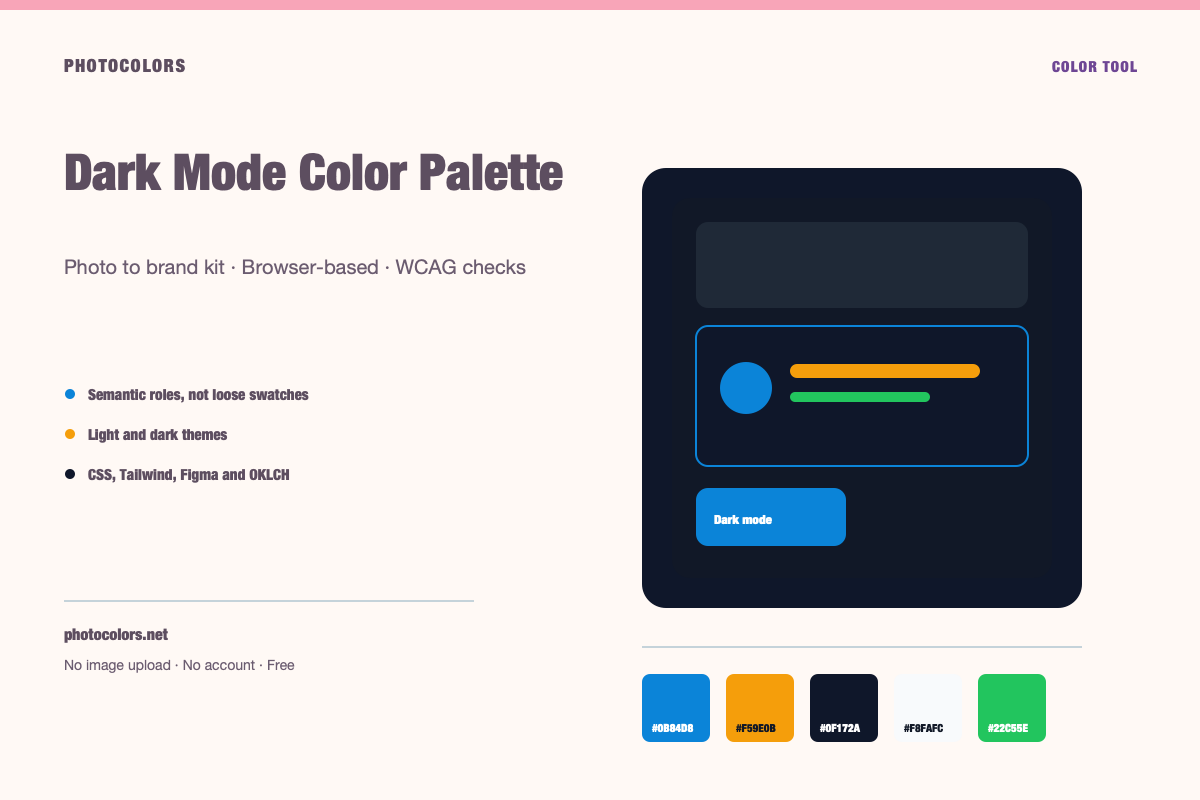
Live theme
Preview a complete light and dark theme
Choose a sample palette, switch themes, and copy the CSS variables a real component library consumes.
A theme that holds up in both modes.
Surfaces, borders and text pairs are generated from the same palette. Switch the theme and compare the hierarchy.
Semantic roles
Contrast checks
Copy the theme
:root {
  --color-primary: #0B84D8;
  --color-primary-foreground: #111827;
  --color-secondary: #E0F2FE;
  --color-accent: #F59E0B;
  --color-neutral: #64748B;
  --color-background: #F8FAFC;
  --color-surface: #FCFDFE;
  --color-text: #111827;
  --color-muted-text: #111827;
  --color-border: #CFD4DC;
  --color-success: #22C55E;
  --color-warning: #F59E0B;
  --color-danger: #DC2626;
}

[data-theme="dark"] {
  --color-background: #0F172A;
  --color-surface: #0A1123;
  --color-text: #FFFFFF;
  --color-muted-text: #A2ACB9;
  --color-border: #344055;
  --color-primary: #0B84D8;
  --color-primary-foreground: #111827;
}:root {
--background: #F8FAFC;
--foreground: #111827;
--card: #FCFDFE;
--card-foreground: #111827;
--primary: #0B84D8;
--primary-foreground: #111827;
--secondary: #E0F2FE;
--secondary-foreground: #111827;
--accent: #F59E0B;
--accent-foreground: #111827;
--muted: #FAFCFD;
--muted-foreground: #111827;
--border: #CFD4DC;
--destructive: #DC2626;
--destructive-foreground: #FFFFFF;
--ring: #0B84D8;
}
.dark {
--background: #0F172A;
--foreground: #FFFFFF;
--card: #0A1123;
--card-foreground: #FFFFFF;
--primary: #0B84D8;
--primary-foreground: #111827;
--secondary: #E0F2FE;
--secondary-foreground: #111827;
--accent: #F59E0B;
--accent-foreground: #111827;
--muted: #0D1427;
--muted-foreground: #A2ACB9;
--border: #344055;
--destructive: #DC2626;
--destructive-foreground: #FFFFFF;
--ring: #0B84D8;
}{
"color": {
"primary": {
"value": "#0B84D8",
"type": "color"
},
"secondary": {
"value": "#E0F2FE",
"type": "color"
},
"accent": {
"value": "#F59E0B",
"type": "color"
},
"neutral": {
"value": "#64748B",
"type": "color"
},
"background": {
"value": "#F8FAFC",
"type": "color"
},
"surface": {
"value": "#FCFDFE",
"type": "color"
},
"text": {
"value": "#111827",
"type": "color"
},
"mutedText": {
"value": "#111827",
"type": "color"
},
"success": {
"value": "#22C55E",
"type": "color"
},
"warning": {
"value": "#F59E0B",
"type": "color"
},
"danger": {
"value": "#DC2626",
"type": "color"
}
},
"dark": {
"background": {
"value": "#0F172A",
"type": "color"
},
"surface": {
"value": "#0A1123",
"type": "color"
},
"text": {
"value": "#FFFFFF",
"type": "color"
},
"mutedText": {
"value": "#A2ACB9",
"type": "color"
}
}
}{
"primary": "oklch(59.84% 0.1578 247.9)",
"secondary": "oklch(95.14% 0.0250 236.8)",
"accent": "oklch(76.86% 0.1647 70.1)",
"neutral": "oklch(55.44% 0.0407 257.4)",
"background": "oklch(98.42% 0.0034 247.9)",
"foreground": "oklch(21.01% 0.0318 264.7)",
"surface": "oklch(99.36% 0.0017 247.8)",
"success": "oklch(72.27% 0.1920 149.6)",
"warning": "oklch(76.86% 0.1647 70.1)",
"danger": "oklch(57.71% 0.2152 27.3)"
}
Dark mode is not inverted light mode
The naive approach is to swap white for black and keep every other color the same. That usually produces harsh contrast, glowing accents and surfaces that blend together. Dark interfaces need their own hierarchy.
In a dark theme, pure black is rarely the best background. A very dark neutral with a slight tint from the brand palette is easier on the eyes and gives the surface colors room to separate. Pure white text can also be too harsh; an off-white or very light neutral often reads better.
The goal is not to make the interface darker. The goal is to preserve the same information hierarchy with a different set of surfaces.
The three surfaces of a dark UI
A dark interface usually needs a background, a surface and an elevated surface. The background is the page. The surface is a card or panel. The elevated surface is a modal, menu or popover.
Each step should be distinguishable without relying on a heavy border. If the surface and background are too close, the layout will feel flat. If they are too far apart, the interface will feel like a stack of disconnected boxes.
Borders in dark mode often work better as a low-contrast light line than as a dark line. A dark border on a dark surface disappears; a subtle light border defines the edge without shouting.
| Layer | Job | Typical relationship |
|---|---|---|
| Background | The page | Darkest neutral |
| Surface | Cards and panels | Slightly lighter than background |
| Elevated | Modals and menus | Lighter again, or a stronger border |
Desaturate, then re-check contrast
Highly saturated colors can vibrate on dark backgrounds. A bright pink that looks cheerful on white may feel neon on near-black. Reducing saturation and adjusting lightness often produces a more comfortable dark-mode accent.
But desaturation changes contrast. A color that was readable as a button background may no longer support white text. Re-check every pair after the adjustment instead of assuming the light-mode result still holds.
PhotoColors adjusts the primary, secondary and accent colors for the dark theme and reports the resulting contrast ratios. Use that as a starting point, then test the final values in the product.
Status colors need separate treatment
Success, warning and danger colors are semantic, not decorative. They need to remain distinguishable in both themes and should never rely on hue alone. Pair each status color with an icon or a text label.
In dark mode, a deep red danger state can disappear into a dark surface. A warning amber may become too bright. Adjust the lightness of the status colors separately from the brand accents.
If the brand color is green and the success color is also green, the two roles will compete. Consider using the brand green for actions and a different green, or a green with a distinct icon, for success.
A practical dark-mode workflow
Start with the light palette. Choose the background, surface, text and primary action. Then create the dark palette by choosing a new background family and re-checking the same roles.
Do not copy the light-mode neutral scale directly. The dark scale needs its own steps, especially in the 800-950 range. The surface and border colors often need more separation than they do in light mode.
Finally, preview real content. A dashboard, a pricing card and a form will reveal different problems than a swatch strip. The palette is ready when the hierarchy survives all three.
- Choose a dark neutral background, not pure black.
- Give surfaces and elevated surfaces distinct steps.
- Adjust brand accents for dark backgrounds.
- Re-check every text pair after the adjustment.
- Test with real cards, forms and menus.
FAQ
Dark Mode Color Palette Generator FAQ
Should dark mode use pure black?
Usually not. A very dark neutral with a slight brand tint gives surfaces room to separate and is easier to read. Pure black can make bright accents vibrate.
Can I use the same primary color in light and dark mode?
Sometimes, but it often needs adjustment. A color that passes contrast on white may fail on a dark surface. Re-check the pair and adjust lightness or saturation if needed.
How many dark surfaces do I need?
At least three: background, surface and elevated surface. The exact values depend on the product, but the hierarchy should be visible without heavy borders.
Does PhotoColors generate dark mode automatically?
Yes. Every extracted palette includes a light and a dark theme, and the preview lets you compare them. The dark theme is a starting point, not a substitute for testing real screens.
What contrast ratio should dark mode text use?
The same WCAG thresholds apply: 4.5:1 for normal text and 3:1 for large text under AA, with higher targets under AAA.
Keep going
Related tools and guides
shadcn Theme Generator
A shadcn theme is a set of CSS custom properties for light and dark modes. Generate them from a real palette, check the foreground pairs, and paste the variables into your global stylesheet.
Brand Color Picker
Use a brand color picker to choose an anchor color, then assign it to roles and test it against real text and surface pairs. A single HEX value is not a brand system; the roles and contrast checks are what make it usable.
WCAG Contrast Checker
WCAG AA requires 4.5:1 for normal text and 3:1 for large text. AAA requires 7:1 and 4.5:1. Enter both colors to see whether a pair passes, and switch the foreground to black or white if it does not.
Designing a Dark Mode Color System That Holds Up
Dark mode is a second design system, not a toggle. The surfaces, borders, accents and status colors all need their own decisions.
How to Build an Accessible Brand Palette
Accessibility is not a coat of paint applied at the end. It is a set of constraints that make the palette stronger from the first decision.